

Sort/Hide Columns
To show or hide columns in the registration list:
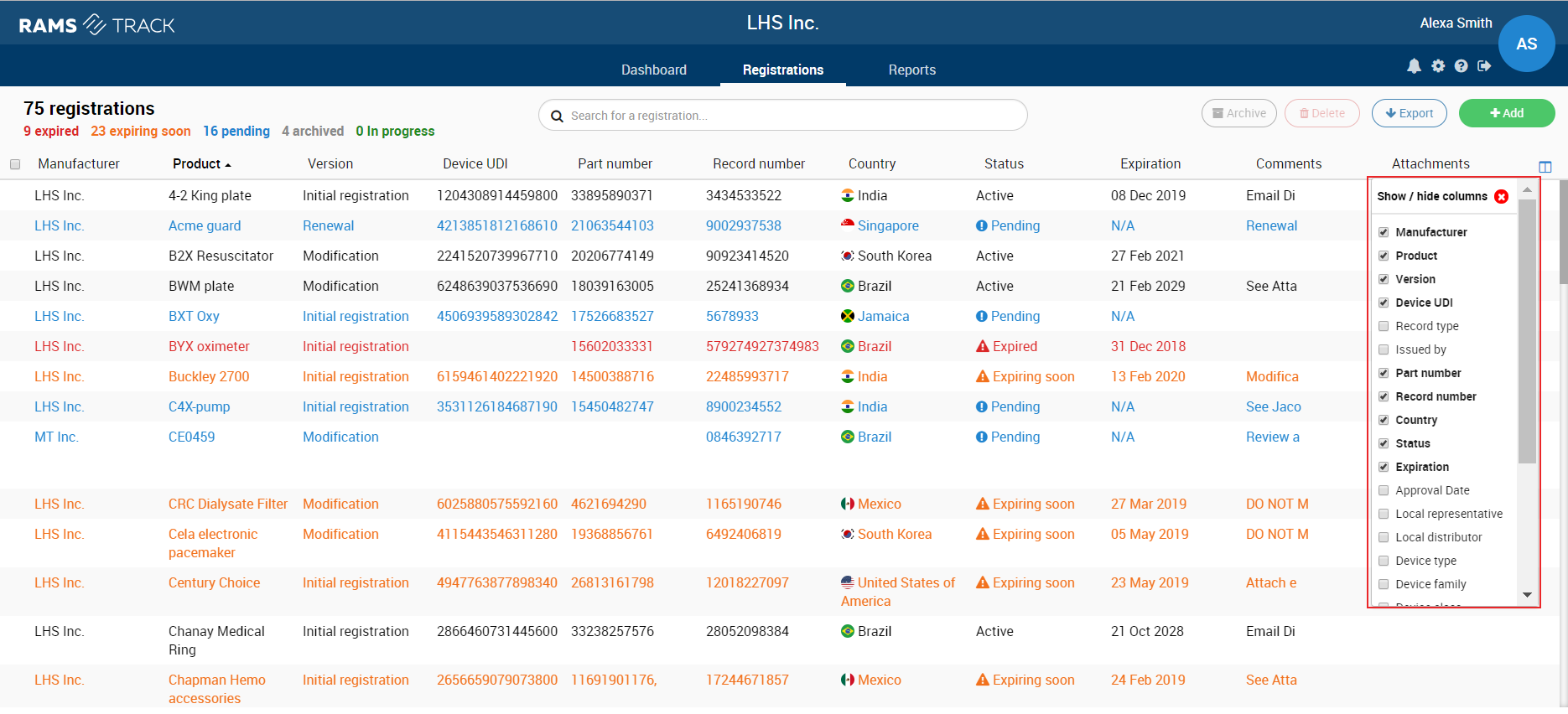
1. On the Records screen, click on the “Show/Hide Columns” icon in the upper right of the registration list
2. Select any fields you want to show and deselect any fields you want to hide.
3. To hide the “Show/Hide Columns” menu, click the red X button in the upper right of the menu.
Note: A maximum of 6 columns can be selected.
Figure: Show/Hide Columns
To sort the registration list:
To sort the registration list, click on the header of the column by which you wish to sort the list.