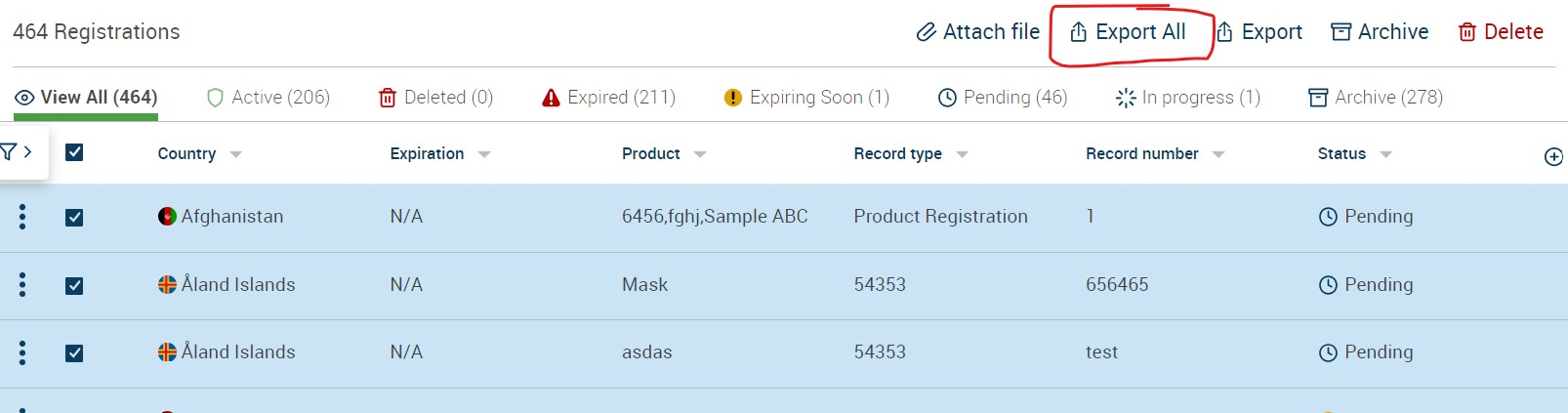

To exports records within the Registration Tracker follow the blow steps:
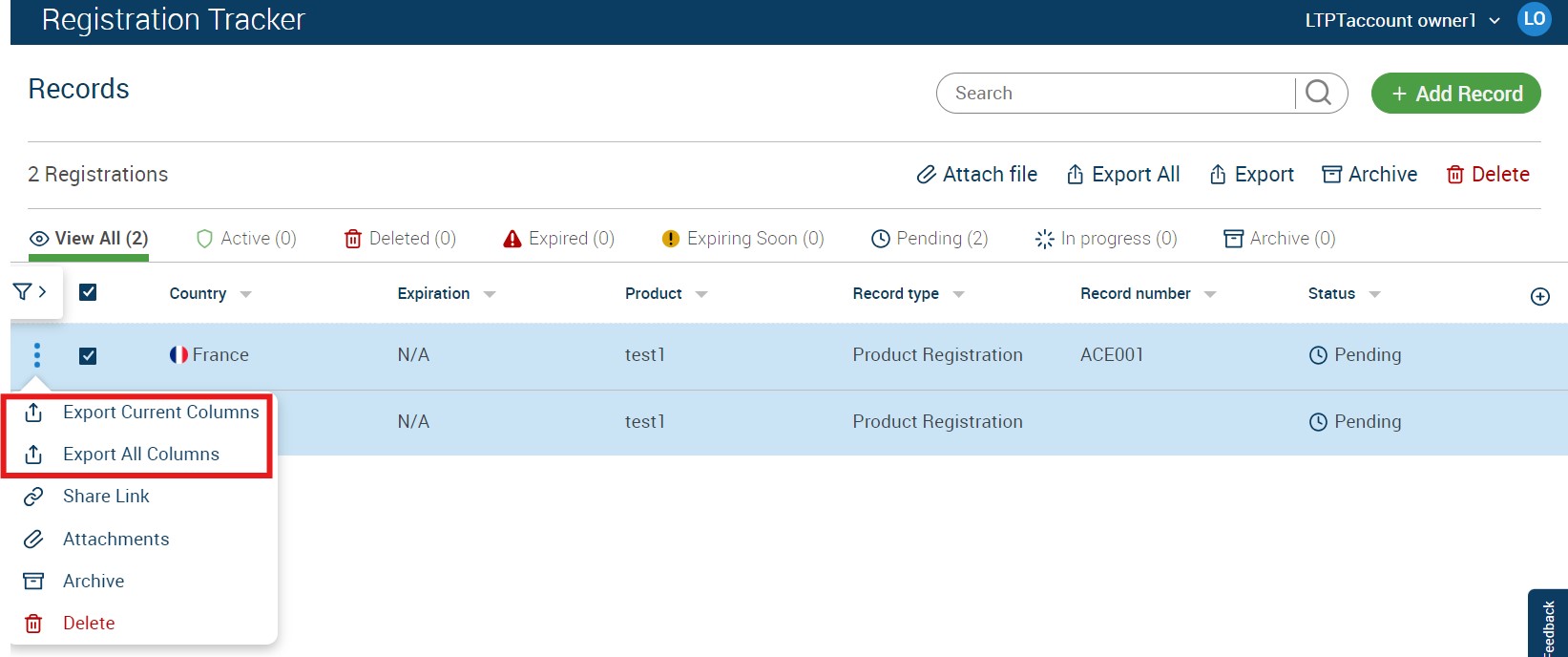
Export records using tracker dots or "Export" button.
"Export Current Columns" will export an Excel file with dashboard fields.
"Export All Columns" will export an Excel file with all the registration record fields.
“Export All” option will export all the records of respective account and when search is applied, all the search results will be exported with “Export All”.