

Product Classification
RAMS Product Classification allows you to quickly establish the classification for your device. Product Classification is currently in BETA and you can perform a classification at no cost for all available markets.
To Start a Product Classification:
1. Go to Premium Services > Product Classification
2. Click Start Now under the Product Classification chevron
3. Select your device type and country/market
4. Enter your device name
The tool will cycle through a series of guided questions to quickly determine your product classification. Prior to your result, you will be shown a brief summary of all your questionnaire responses to review. Click "Result" to see your classification.
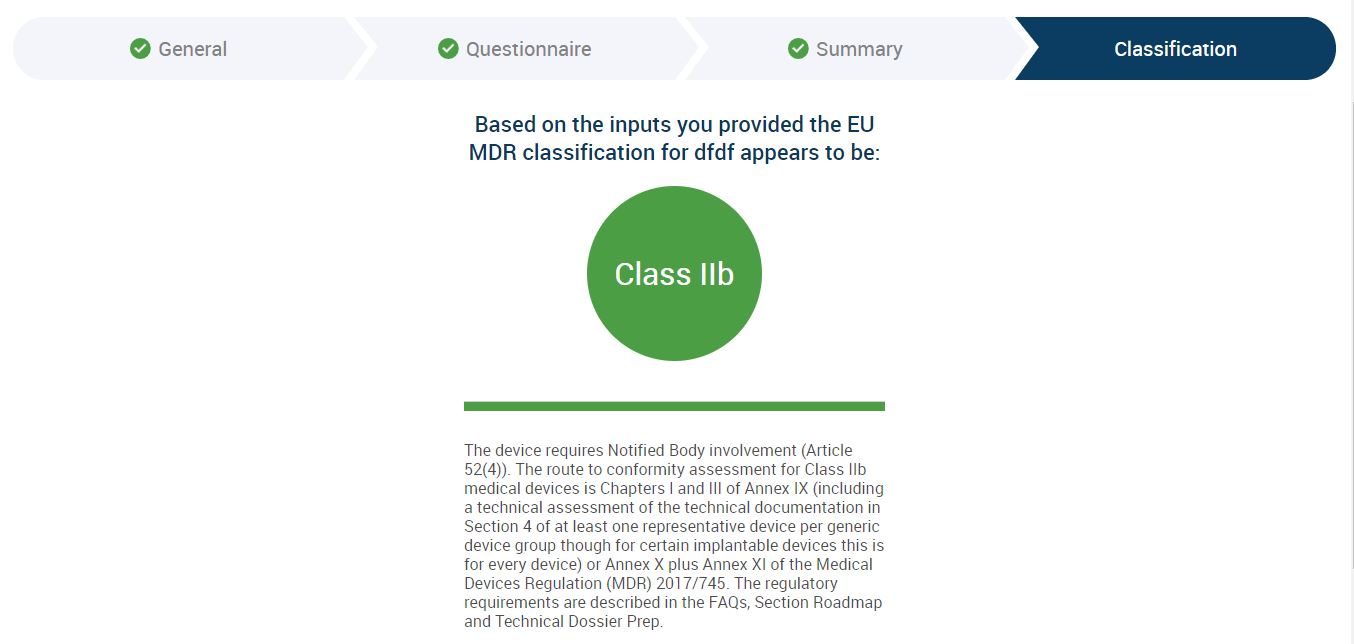
Select countries/markets have a Classification Rationale report. RAMS will generate a PDF report identifying the applicable rules outlined in the regulation. The report will remain available for download on your Product Classification dashboard.
Your responses from the Product Classification will be fed into the Classification Rationale questionnaire. Generally, there will be 2-3 questions that require additional detail. Pending questions are identified by the green outline and are displayed in expanded view.
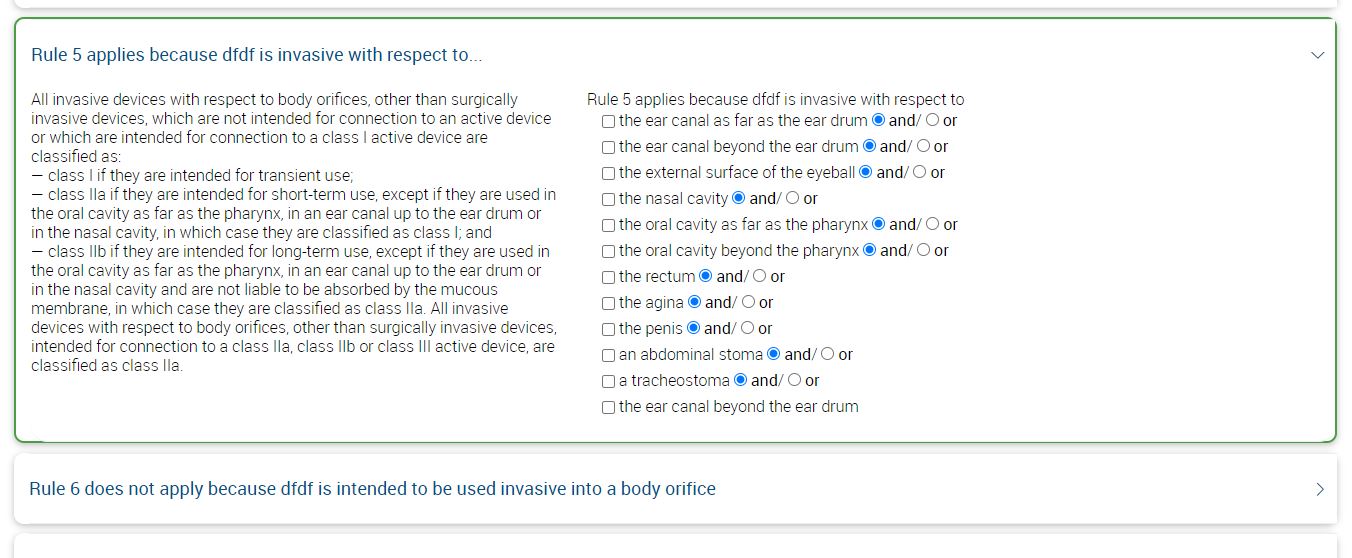
Click "Preview" and scroll down to click "Download Rationale Report." Your report will automatically download to your desktop.