All the new and existing users who log to the RAMS application shall see a virtual tour pop-up to know about the features of RAMS. The Virtual tour will give an idea as to what is new at the end of each release. You can skip and revisit this tour any time by visiting the Virtual tour from the account settings menu or from here
Virtual Tour can be viewed following the below steps:
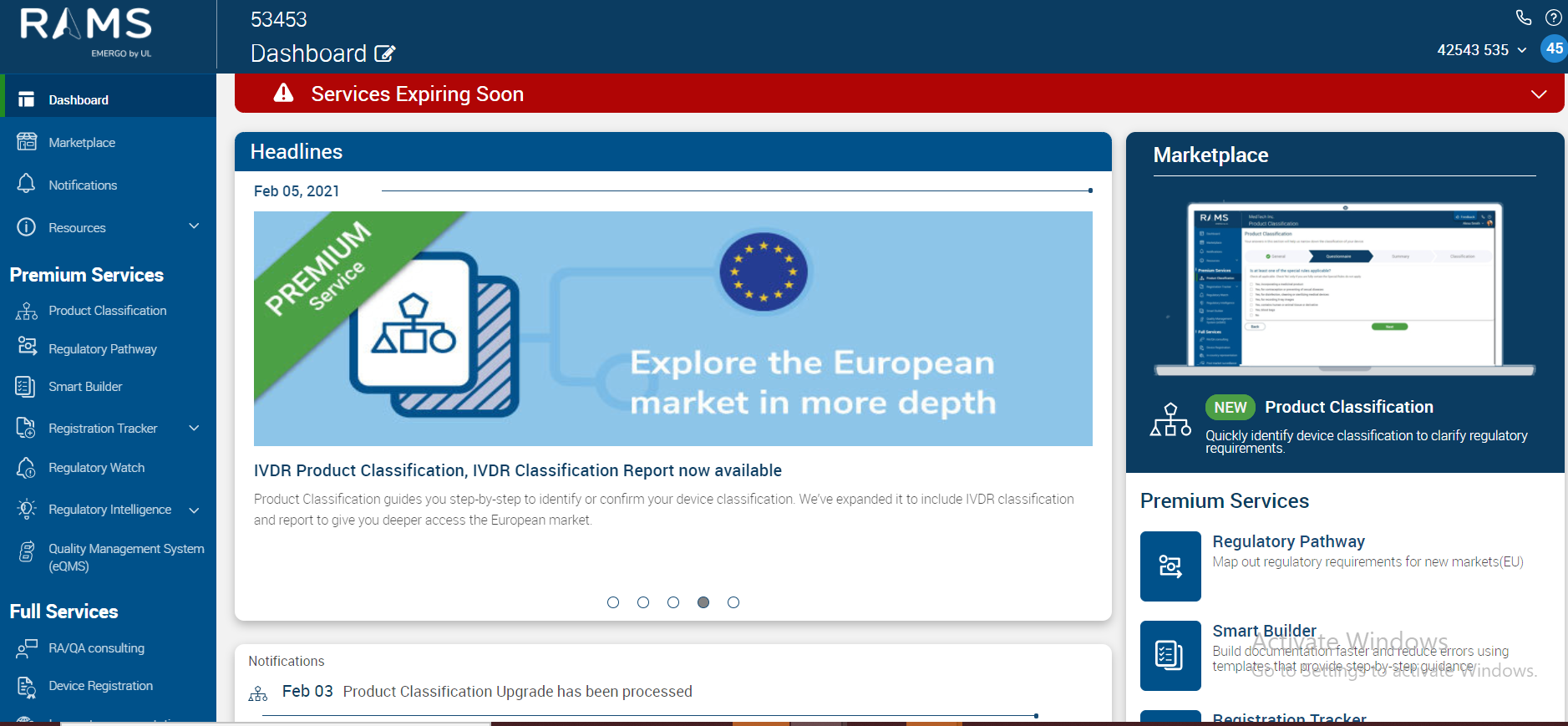
Once a user logs using the authenticated credentials onto the RAMS application with/without any activated services they will see the below screen.
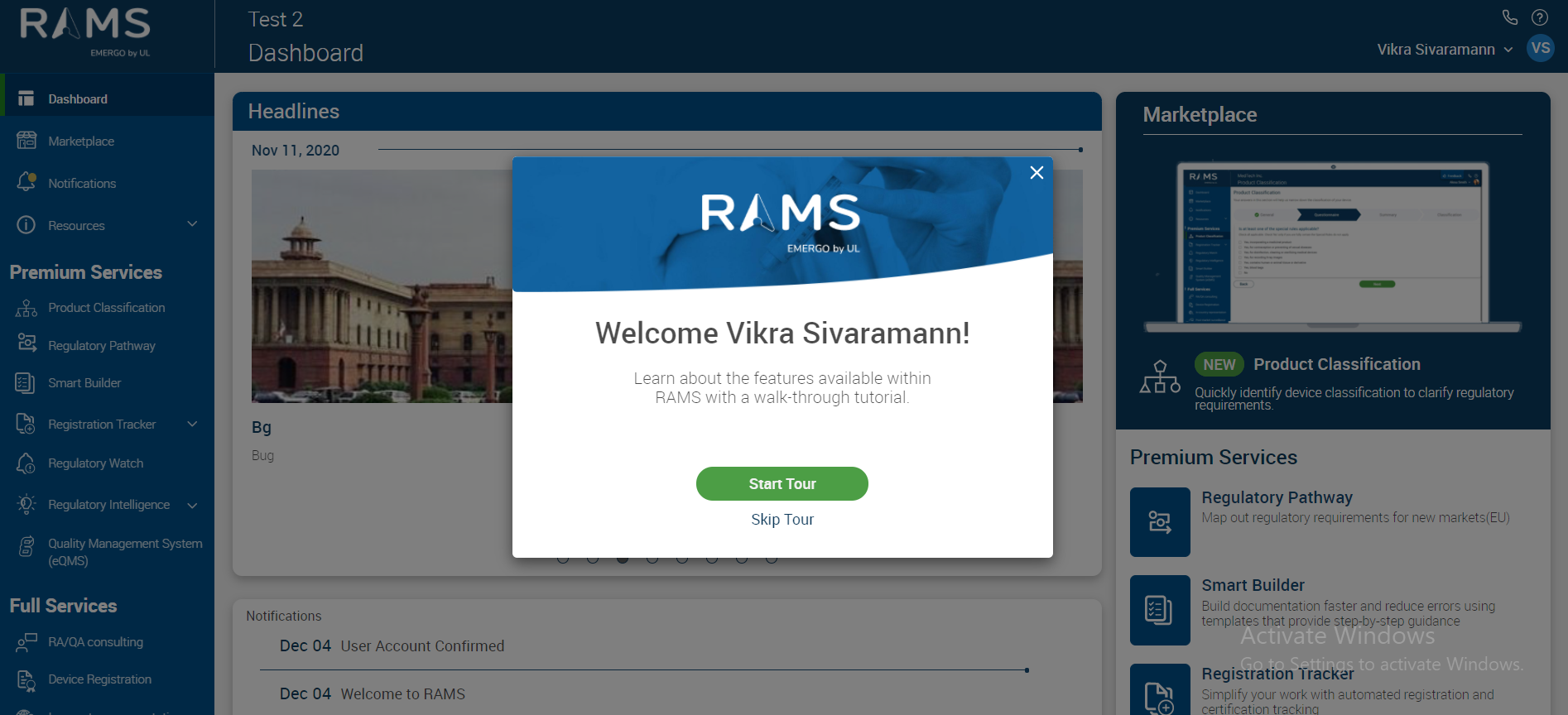
In case you wish to revisit this Virtual Tour later too, select as highlighted below to Start the Tour again
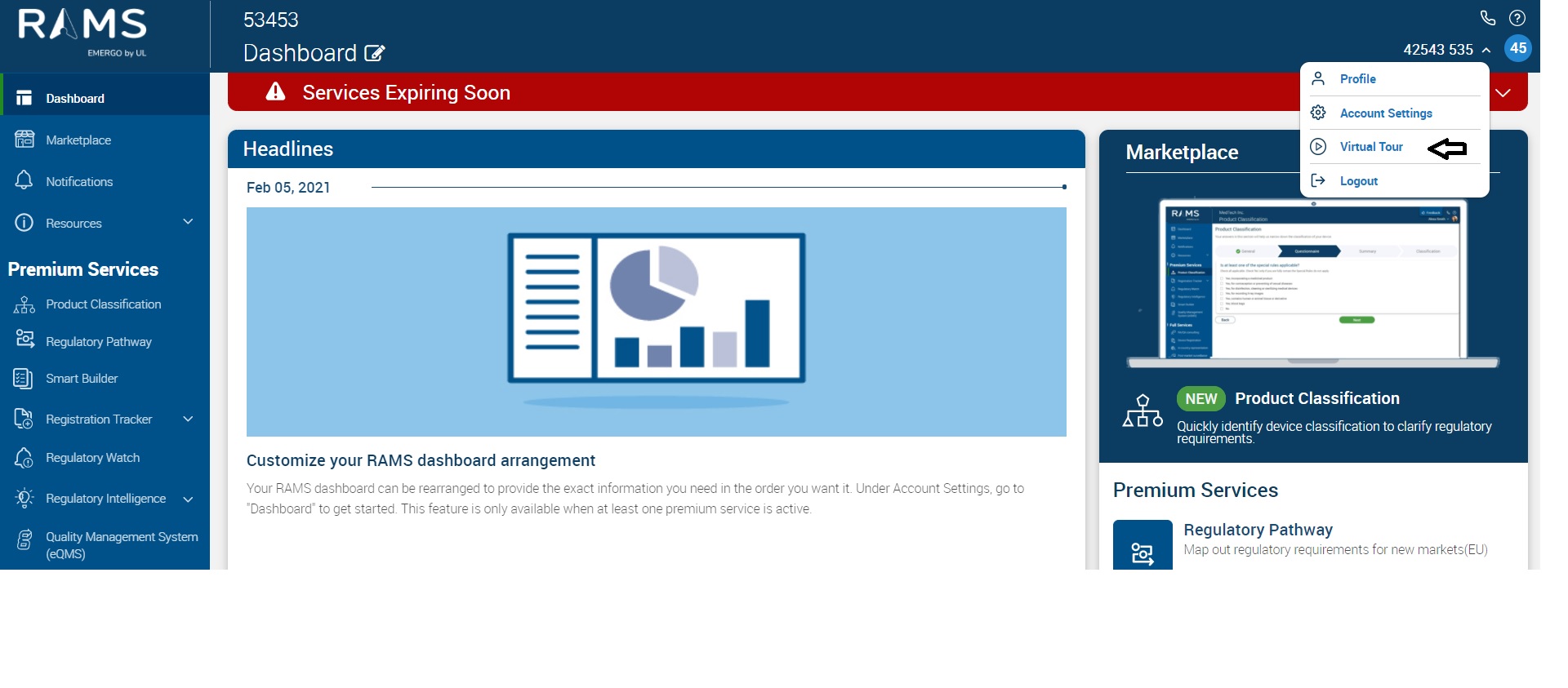
On click of the above option the next step will be as shown below
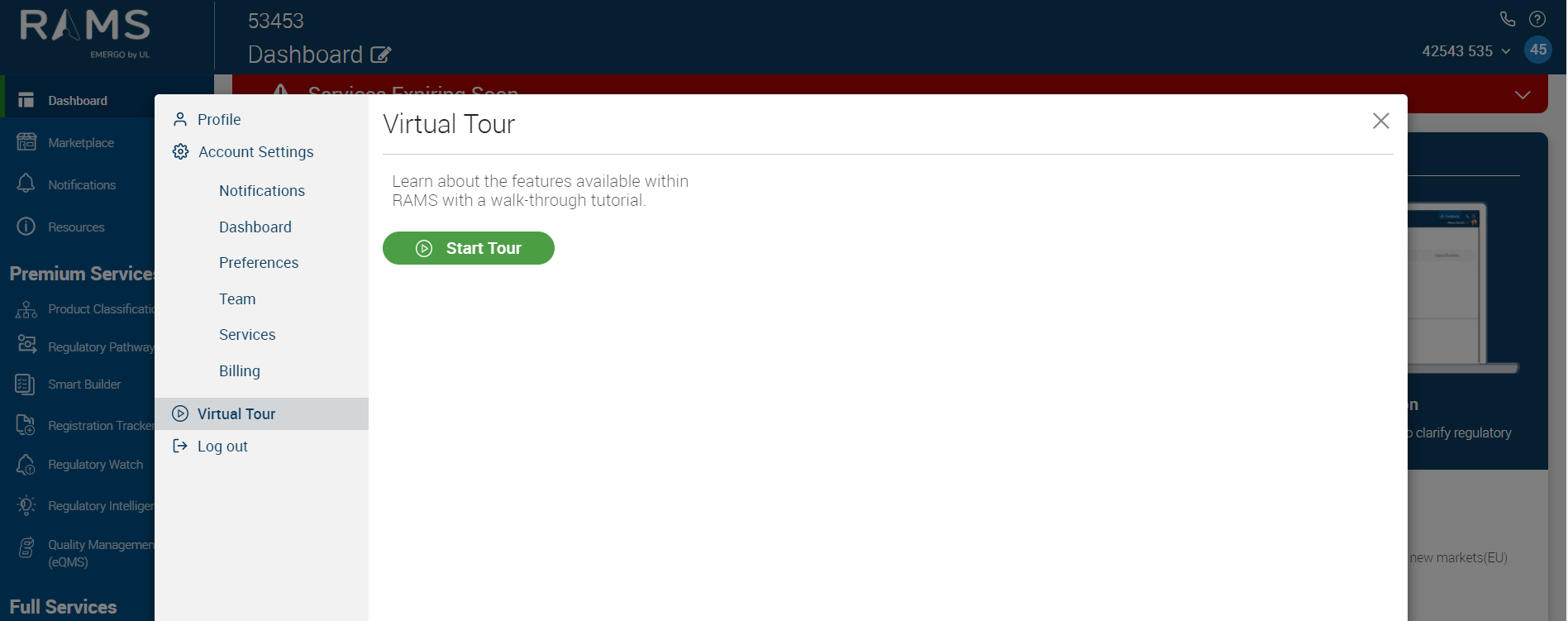
Click on the "Start Tour" option commences the Tour
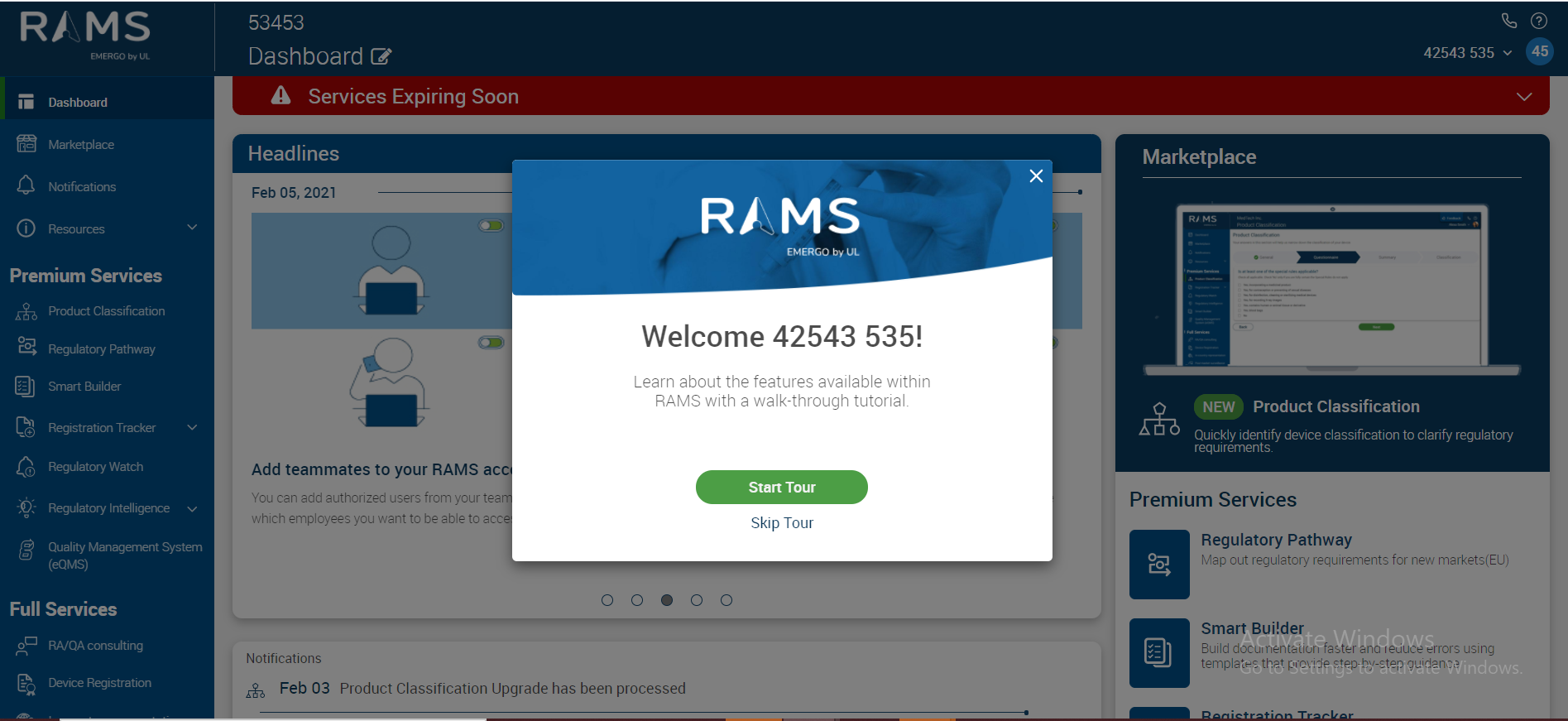
The user can then choose between the 2 options of wanting to either “Start Tour” or “Skip Tour”
By selecting “Skip Tour” we can end the Virtual Tour and see dashboard screen.
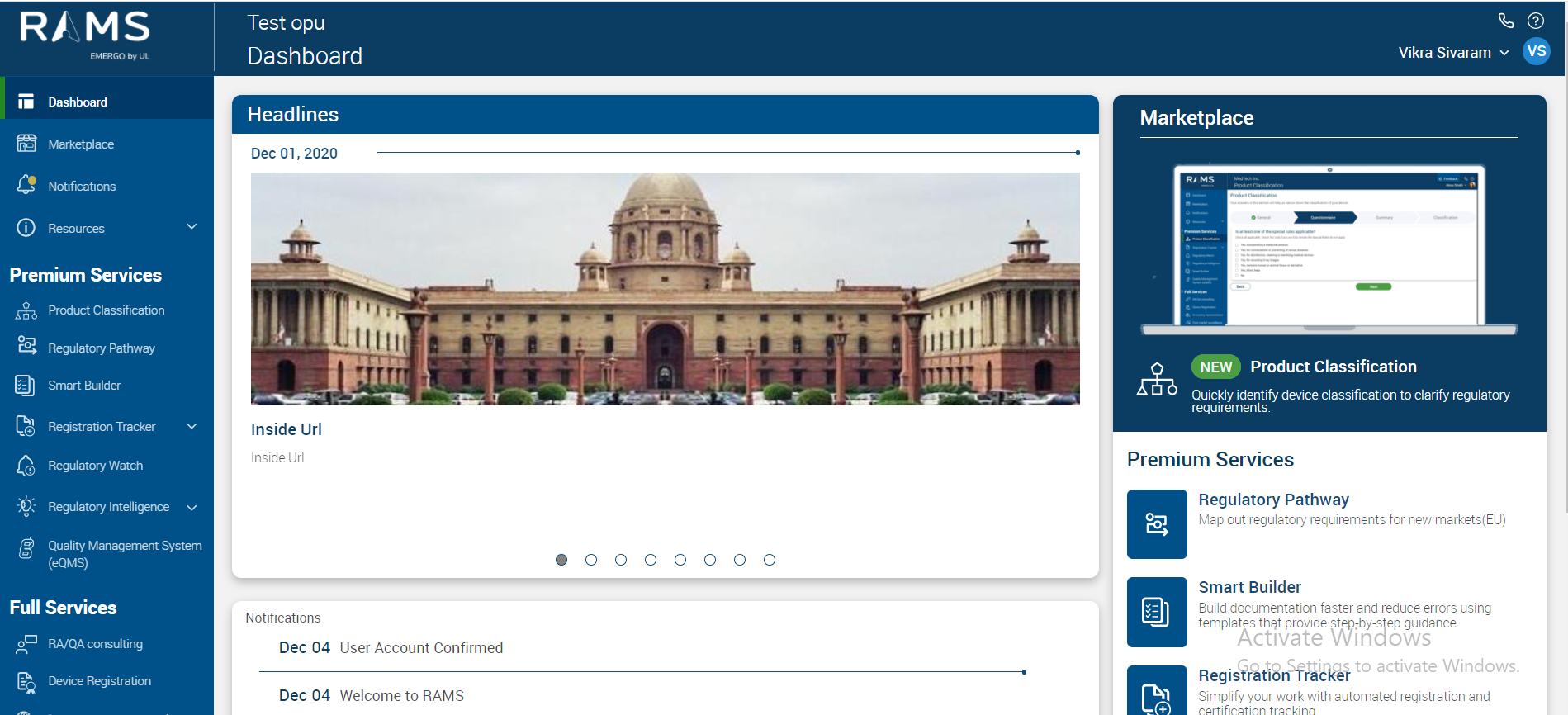
In case the “Start Tour” is selected one can proceed as follows from the Dashboard section related information
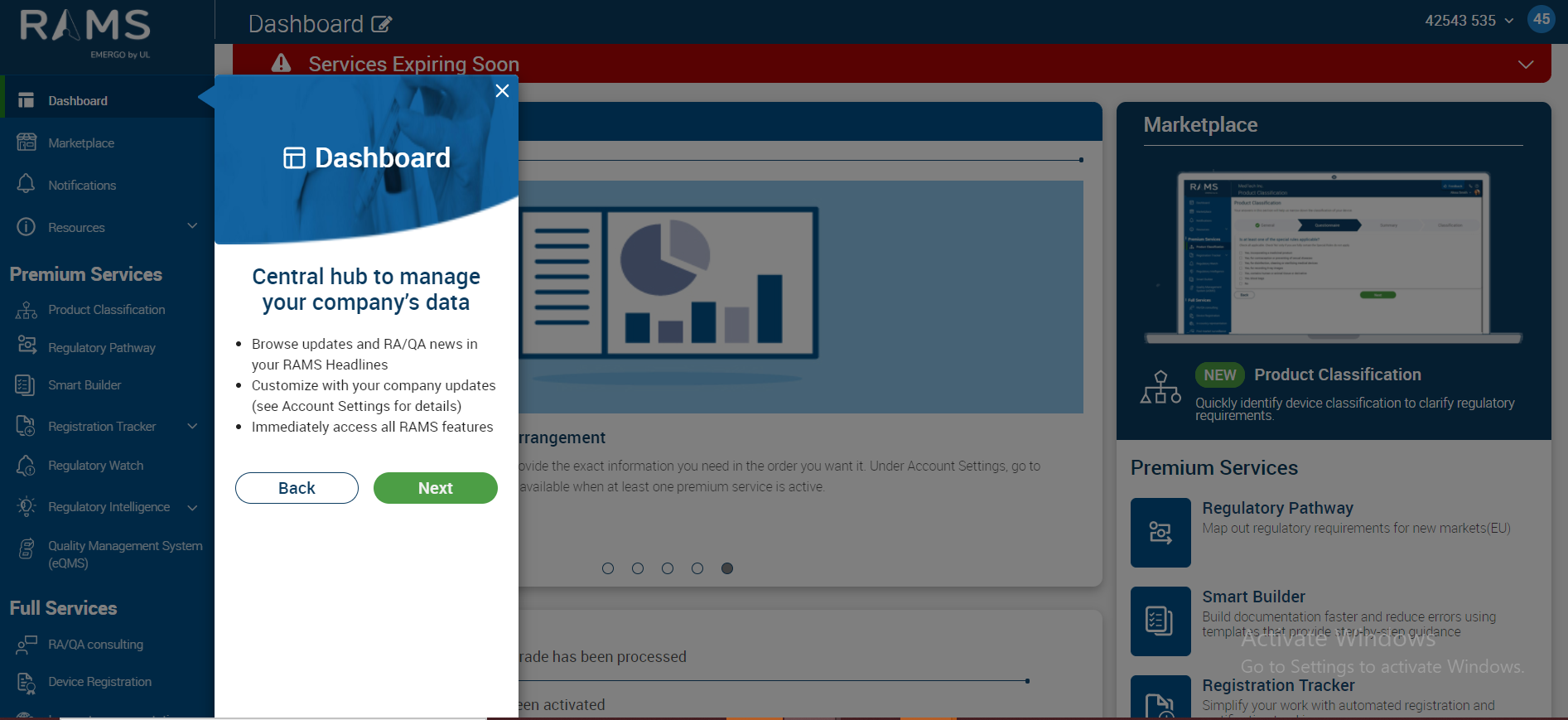
In case you click on the Back Button anytime you will always be moved to the previous step's screenshot
Clicking Next would move over to the next navigation menu i.e. Market Place
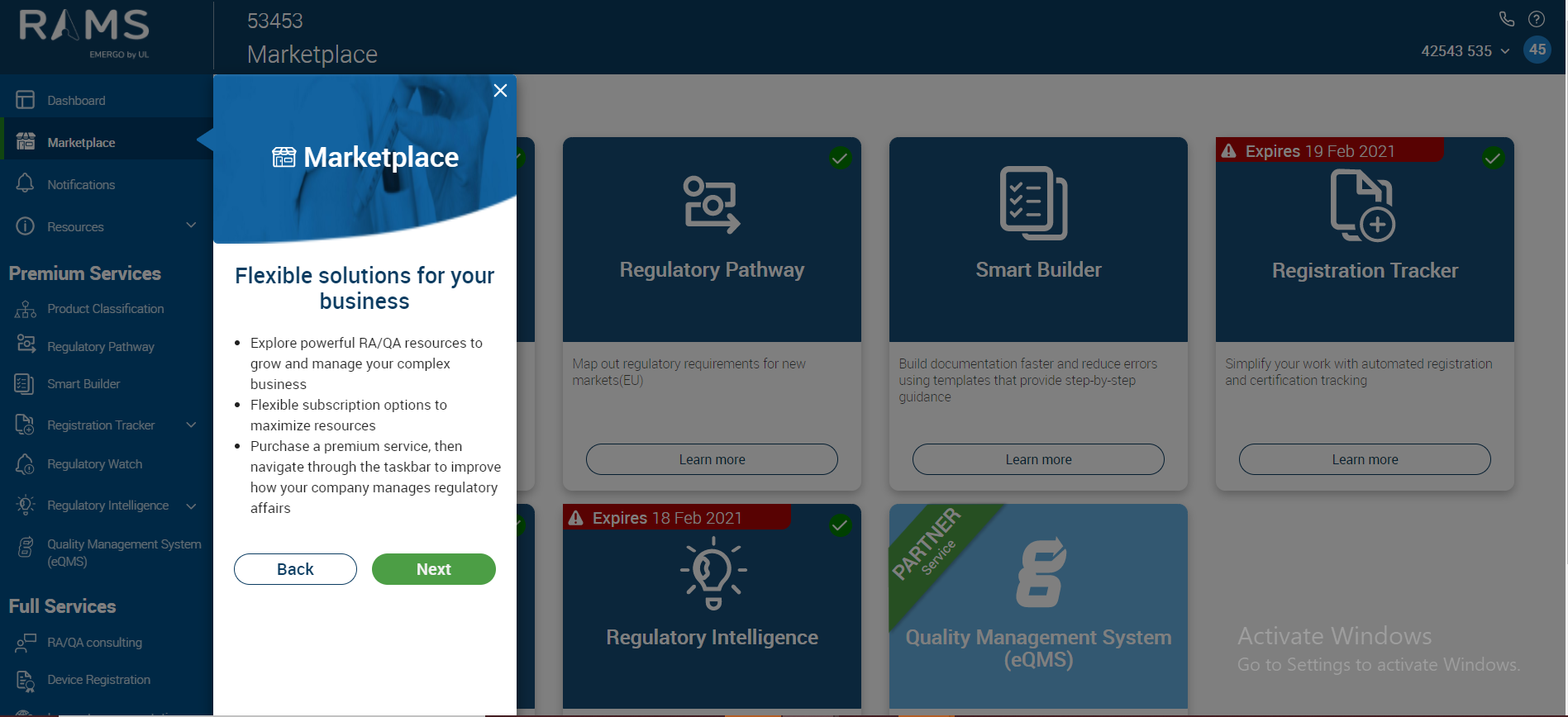
Clicking on Next again redirects to “ Notifications” navigation menu as seen below
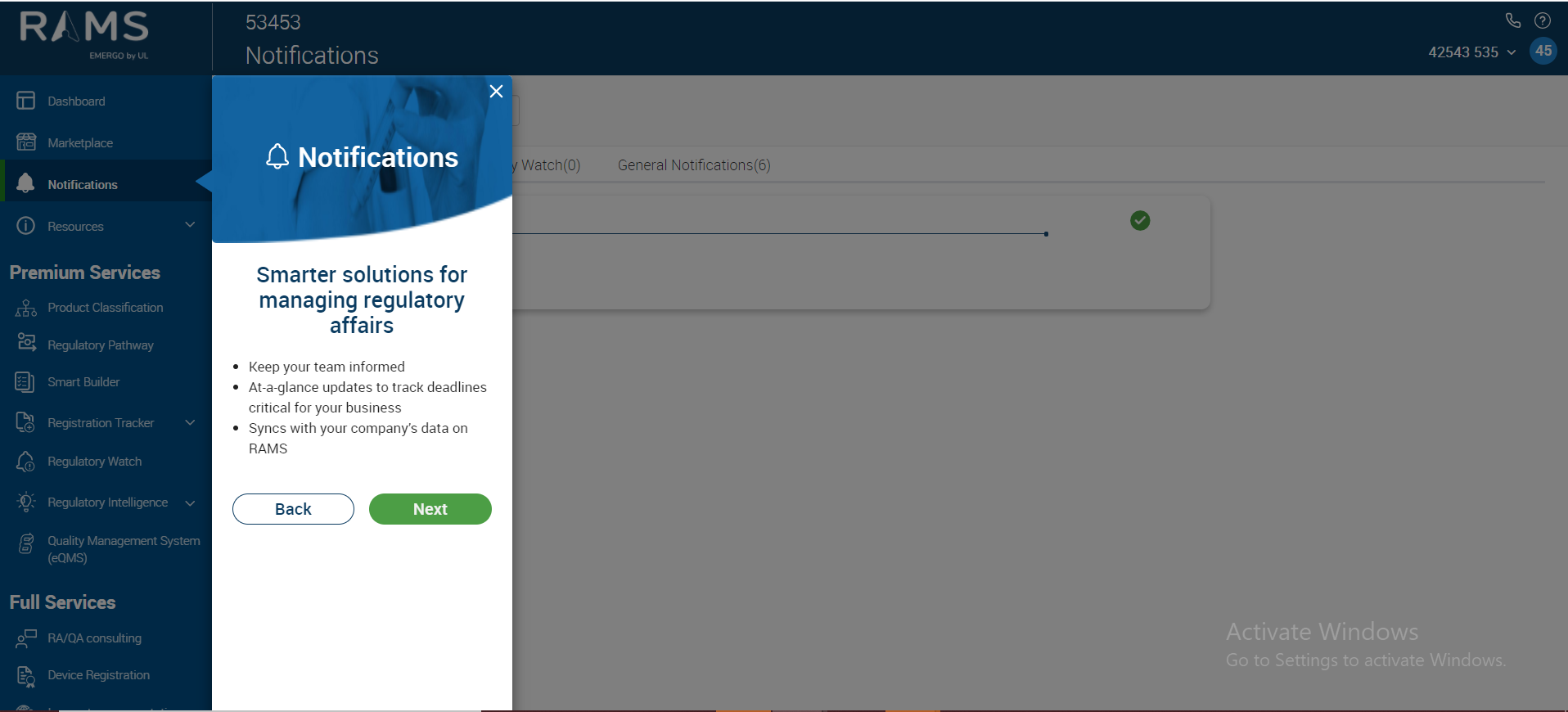
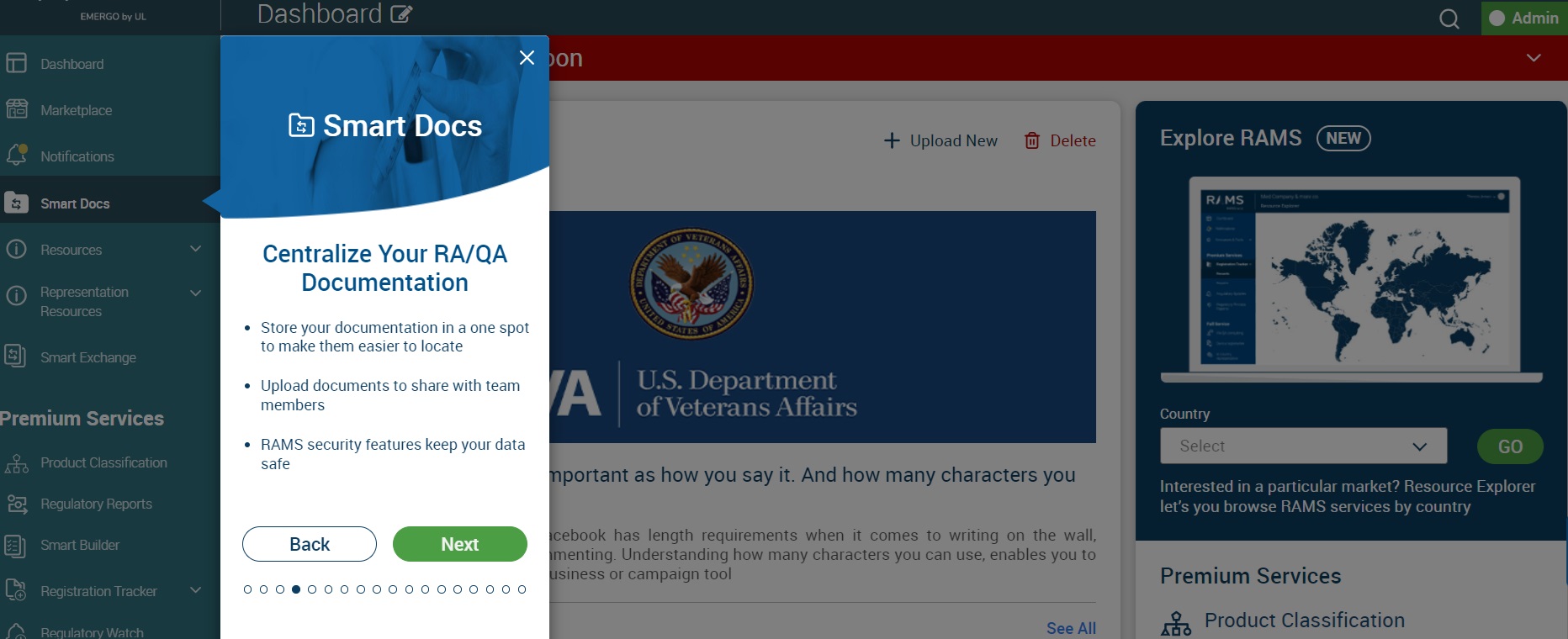
On click of the “Next” button the placeholder moves over to the Smart Docs section
On click of the “Next” button the placeholder moves over to the Resources section
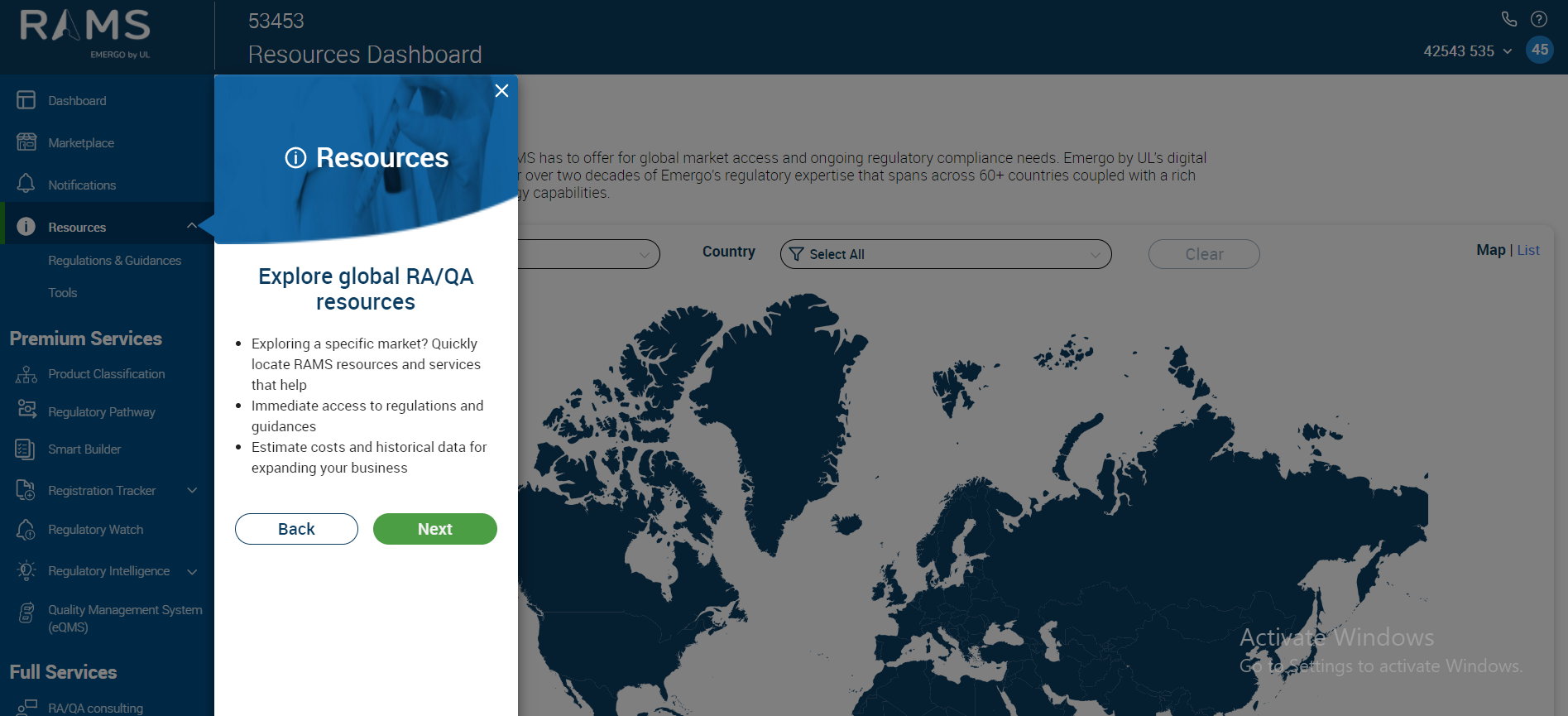
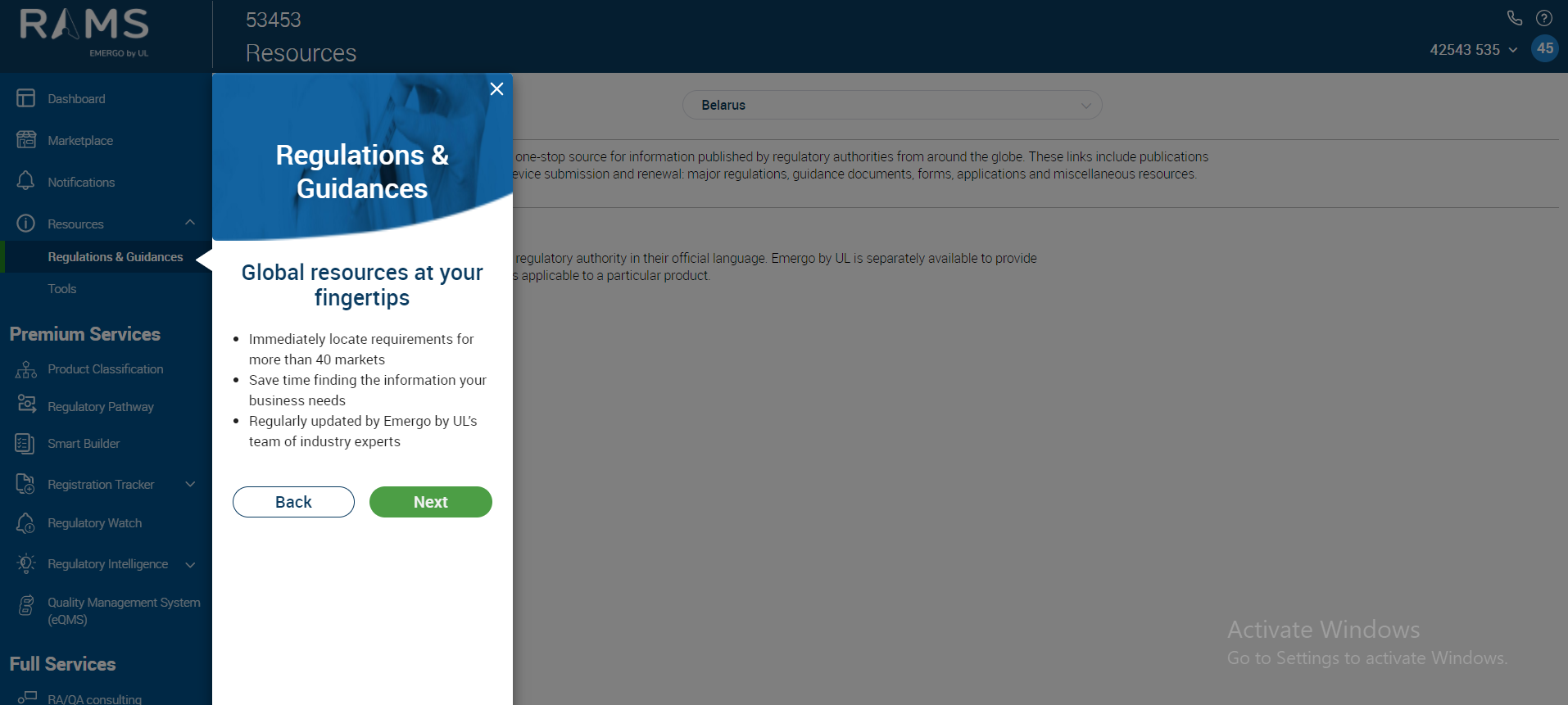
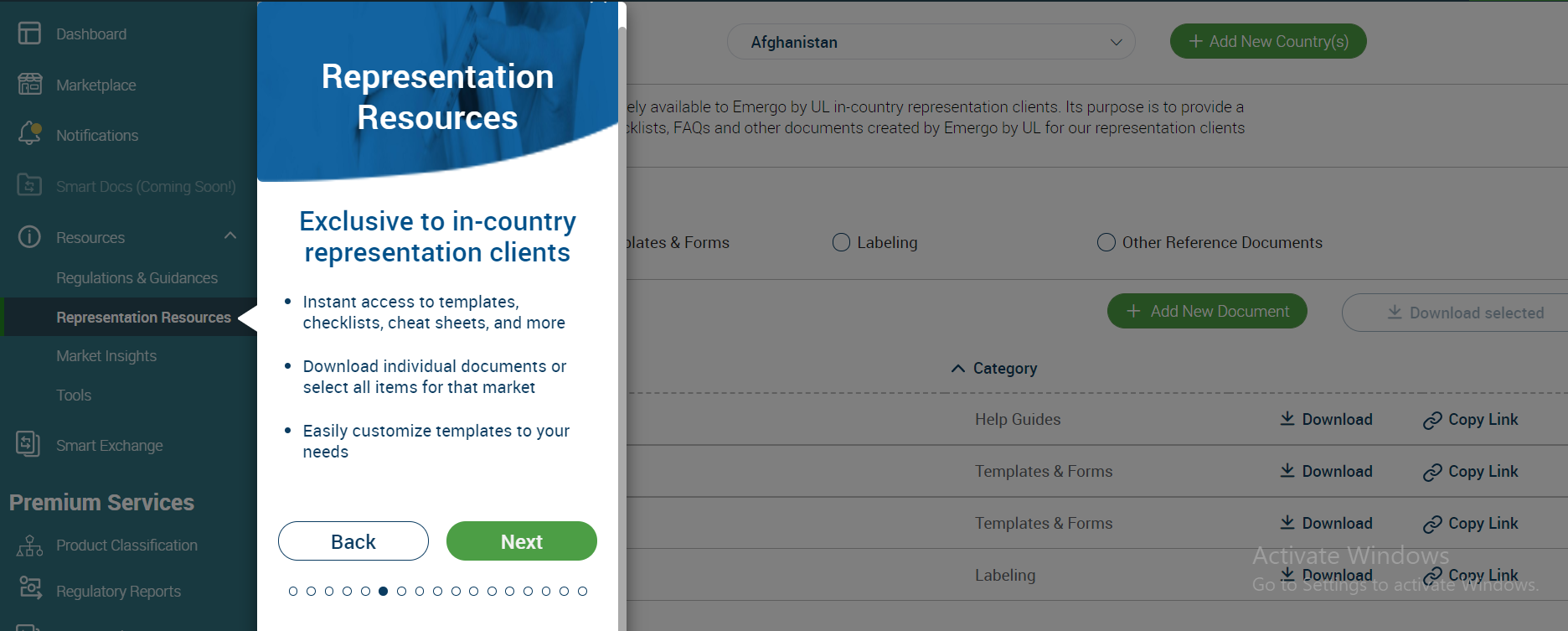
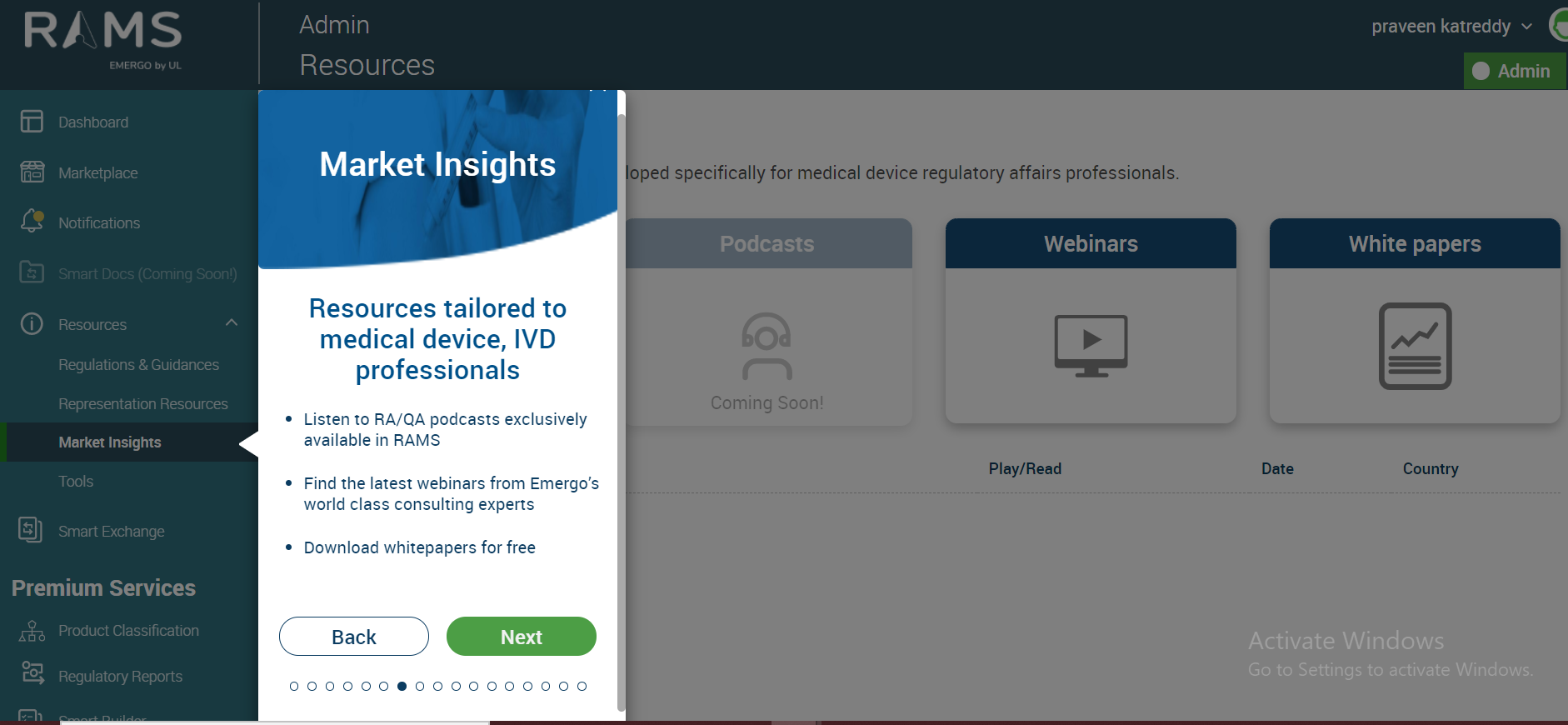
With selection of “Next” two more times we see the Left Navigation menu tour completed for
Regulations & Guidances
Representation Resources
Market Insights
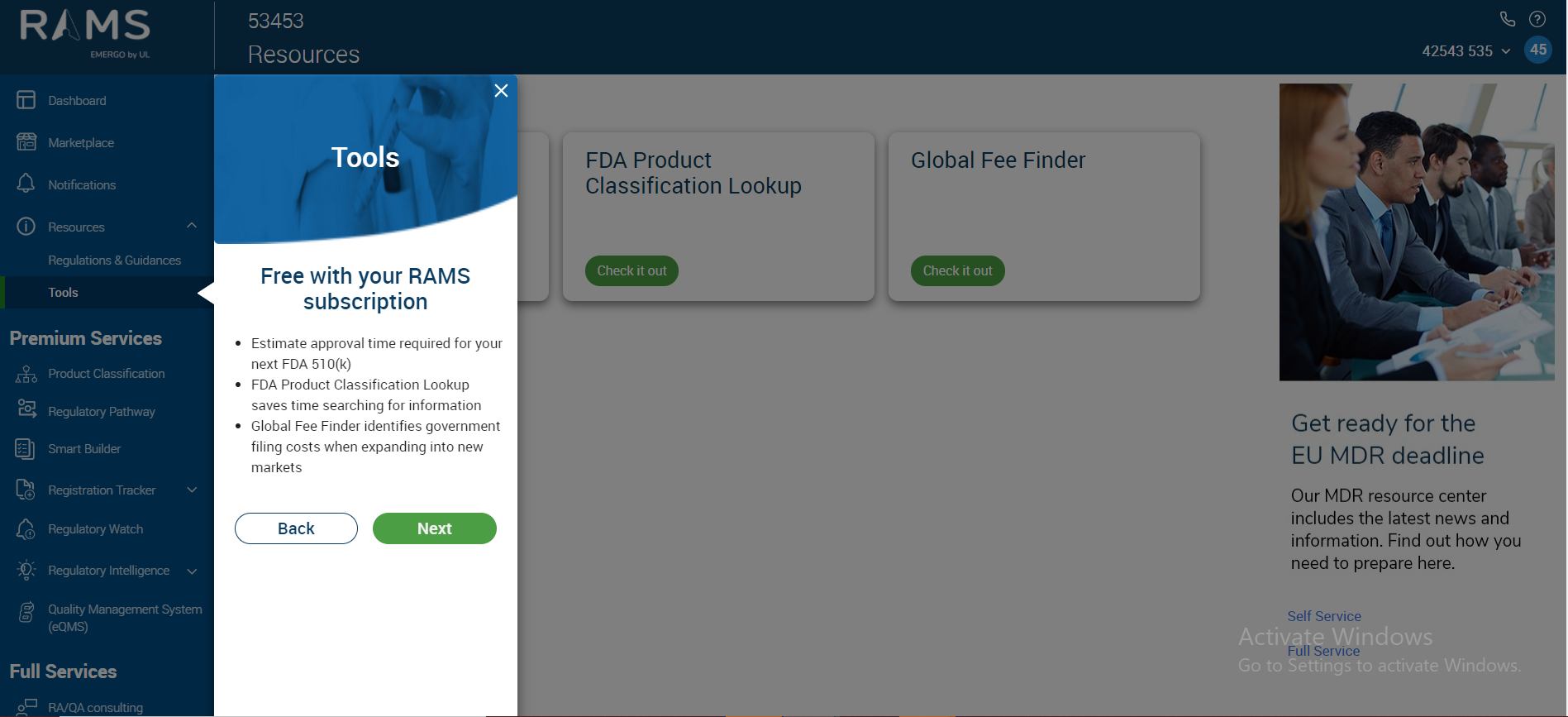
Tools
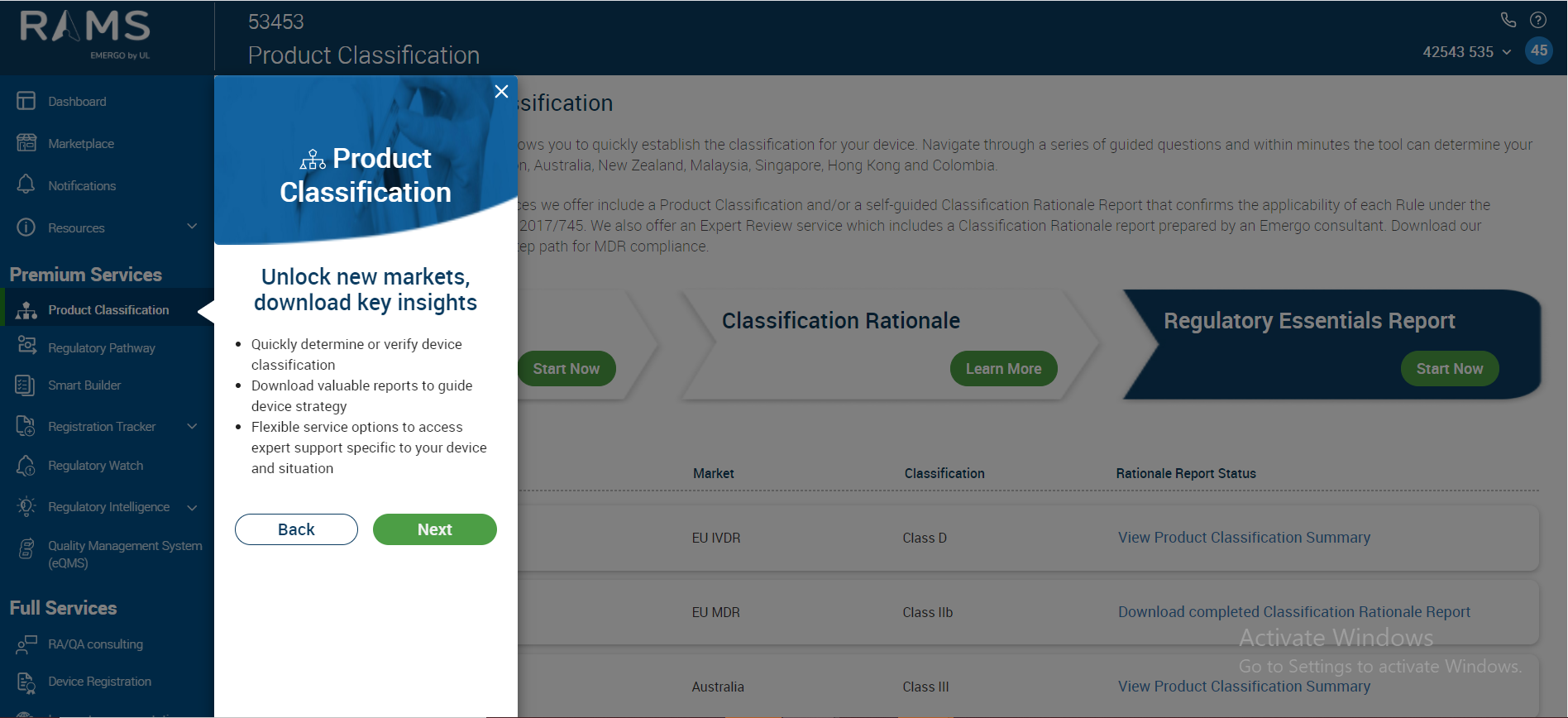
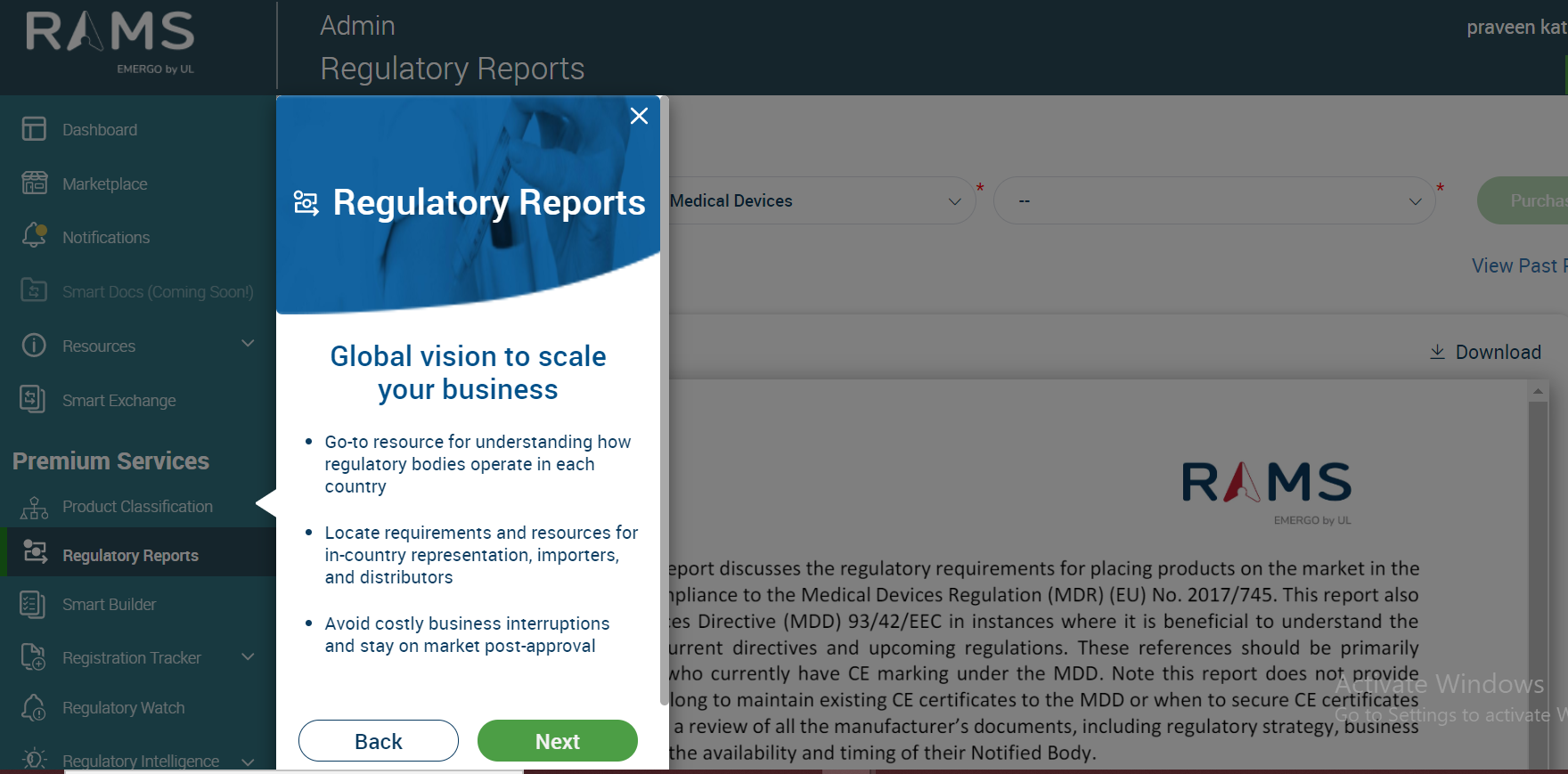
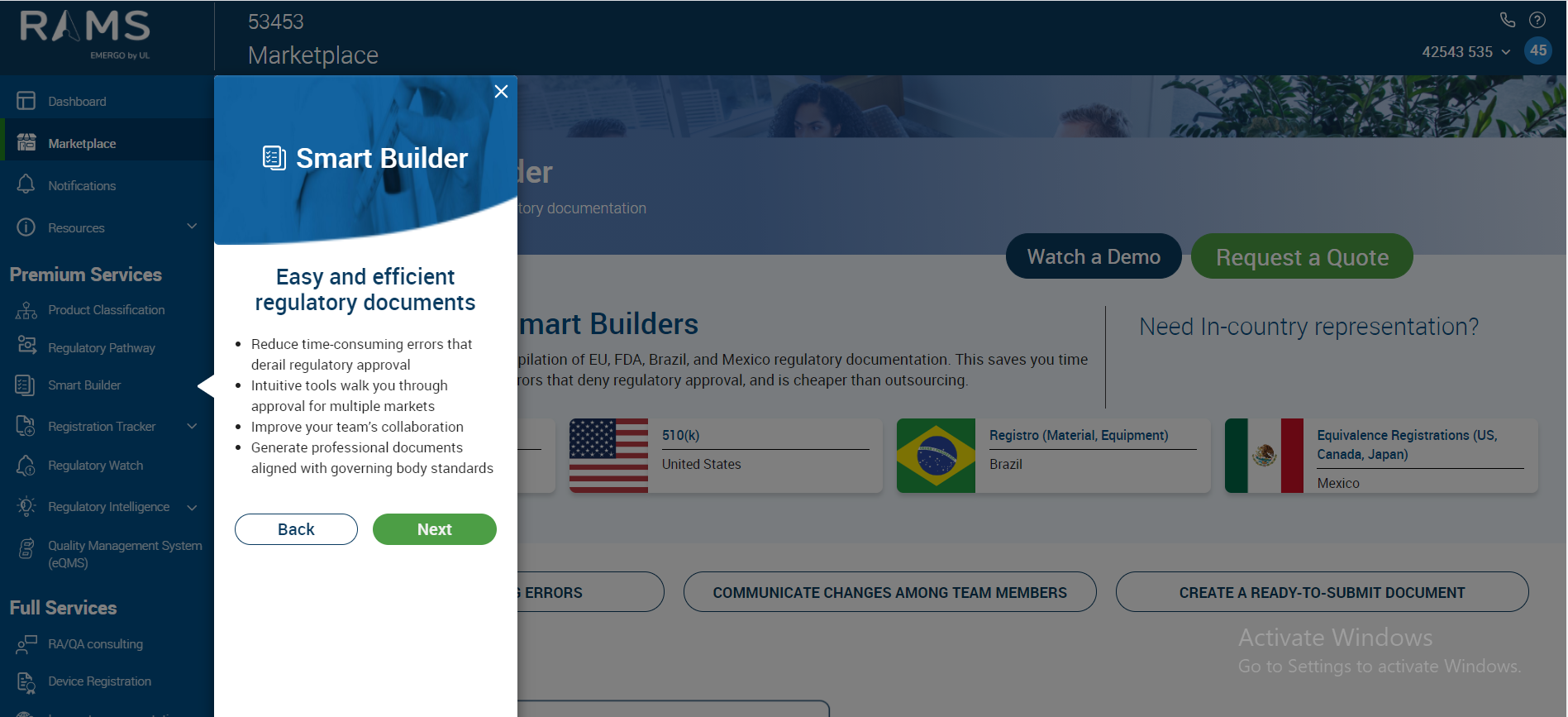
Clicking Next will navigate you to the Premium Services and the services available under RAMS application currently:
Product Classification:
Regulatory Reports:
Smart Builder:
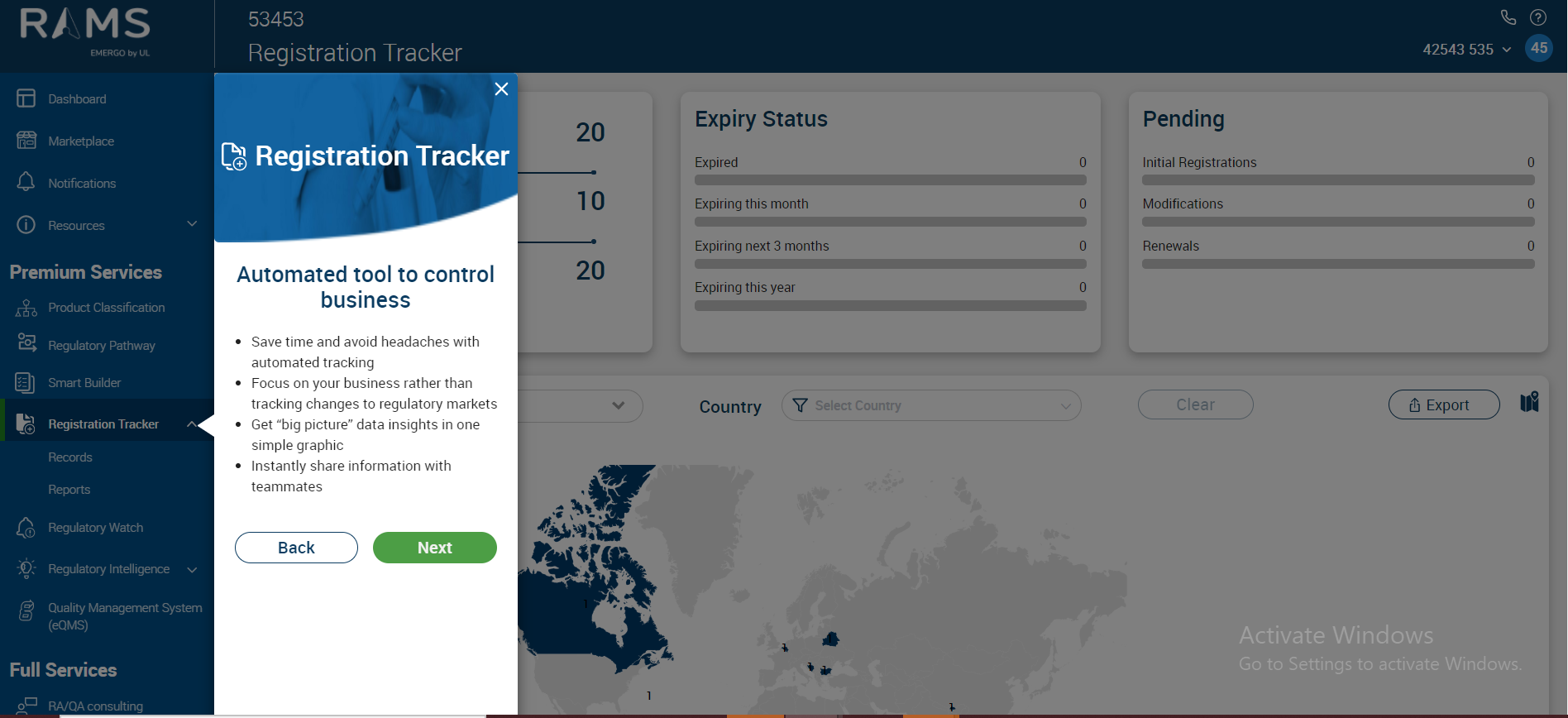
Registration Tracker:
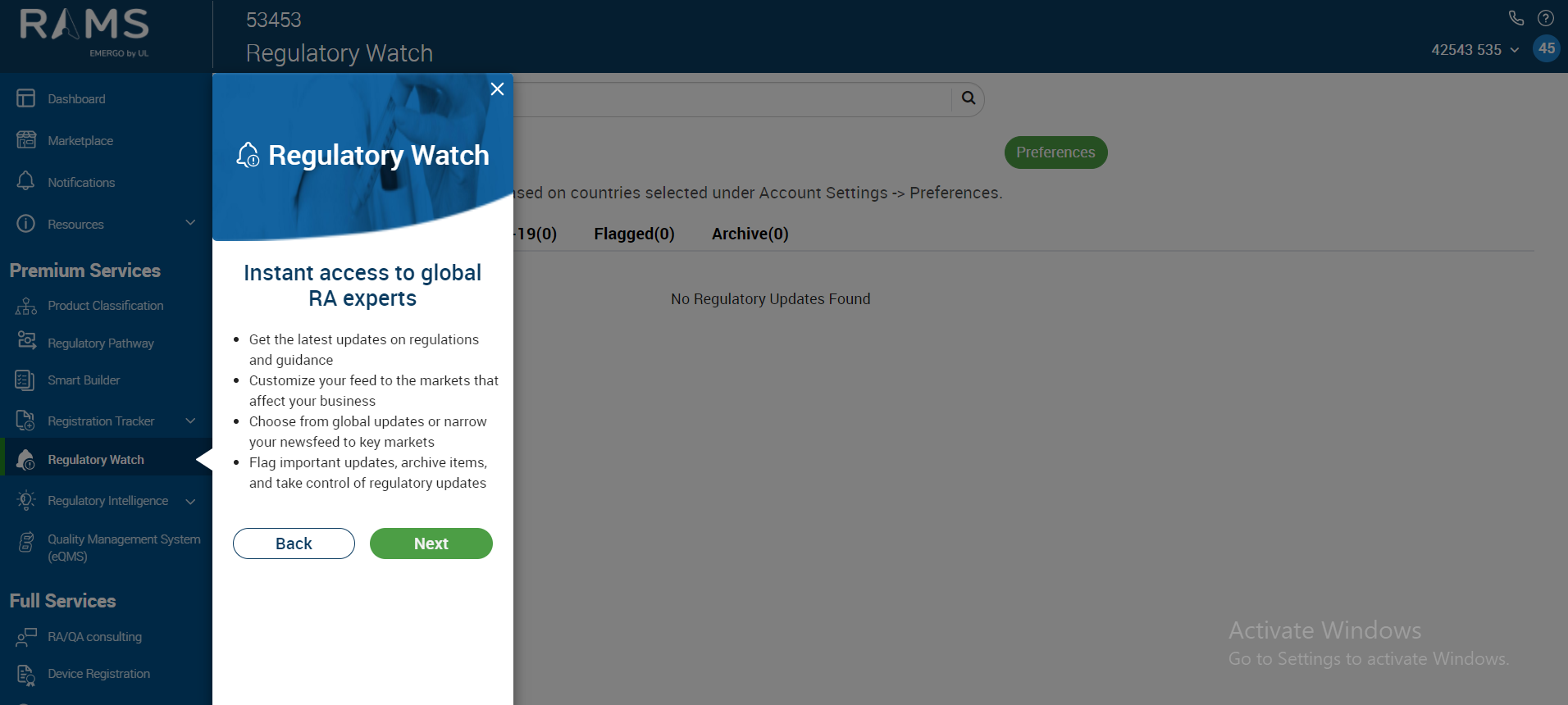
Regulatory Watch:
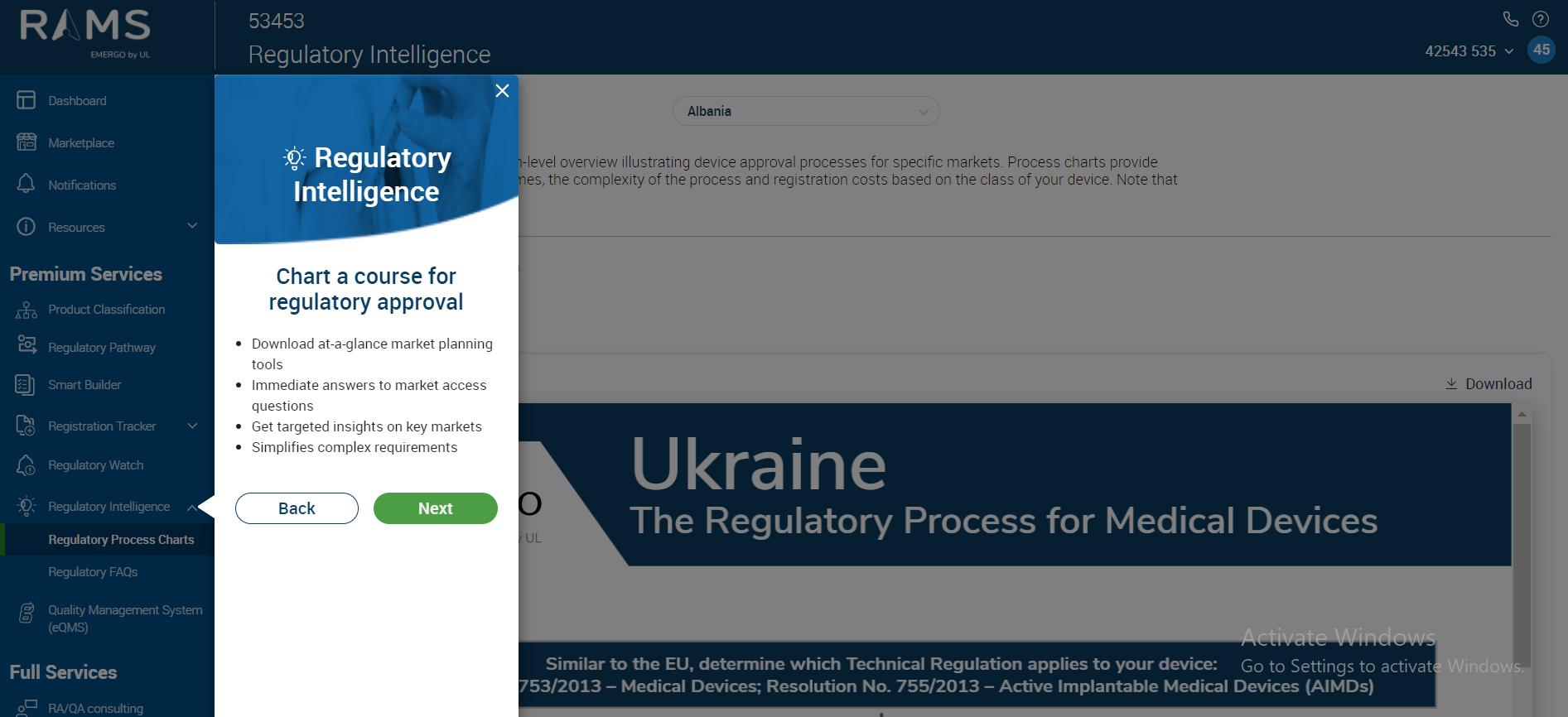
Regulatory Intelligence:
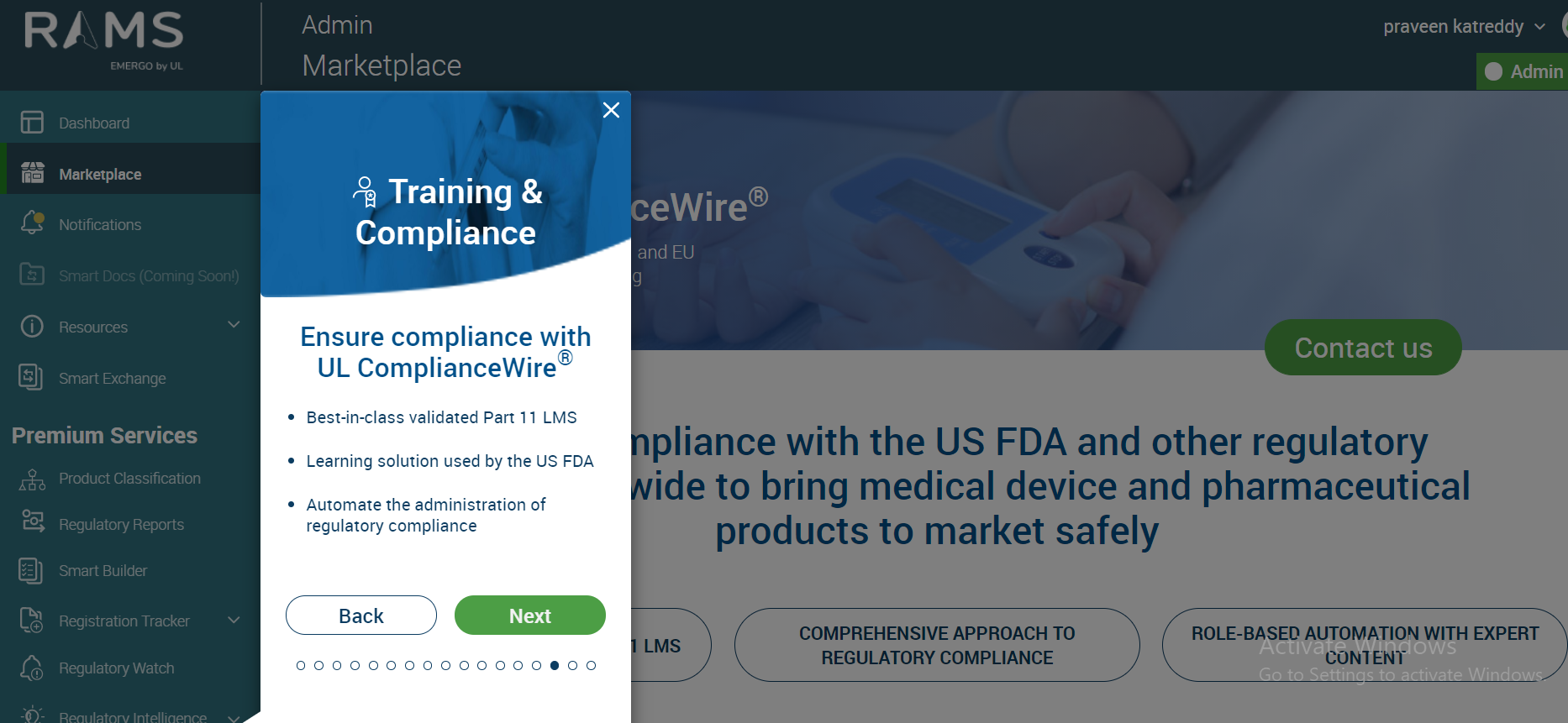
Training and Compliance
Quality Management System(e-QMS):
With the click of the “Next” Button we move to the Account Settings menu on the right top hand side as shown below:
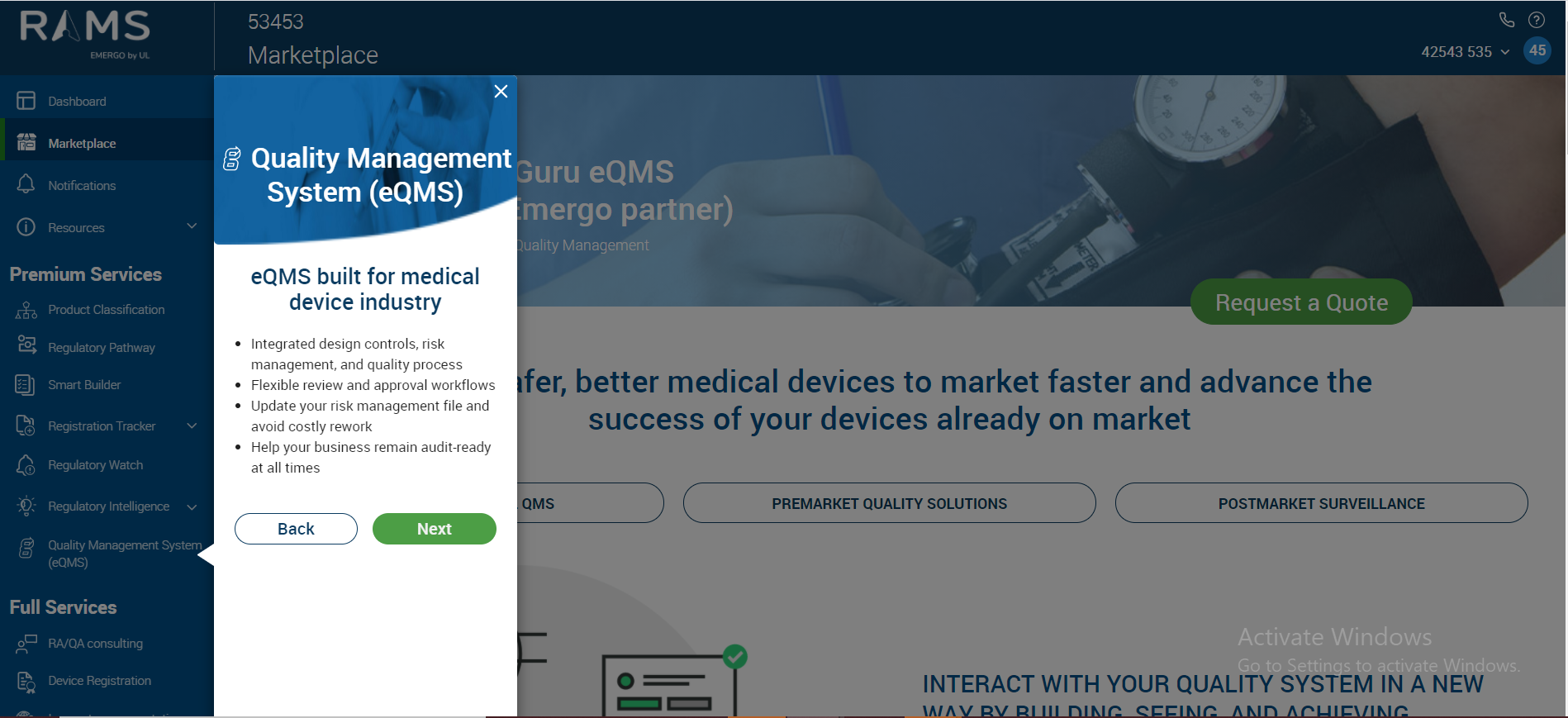
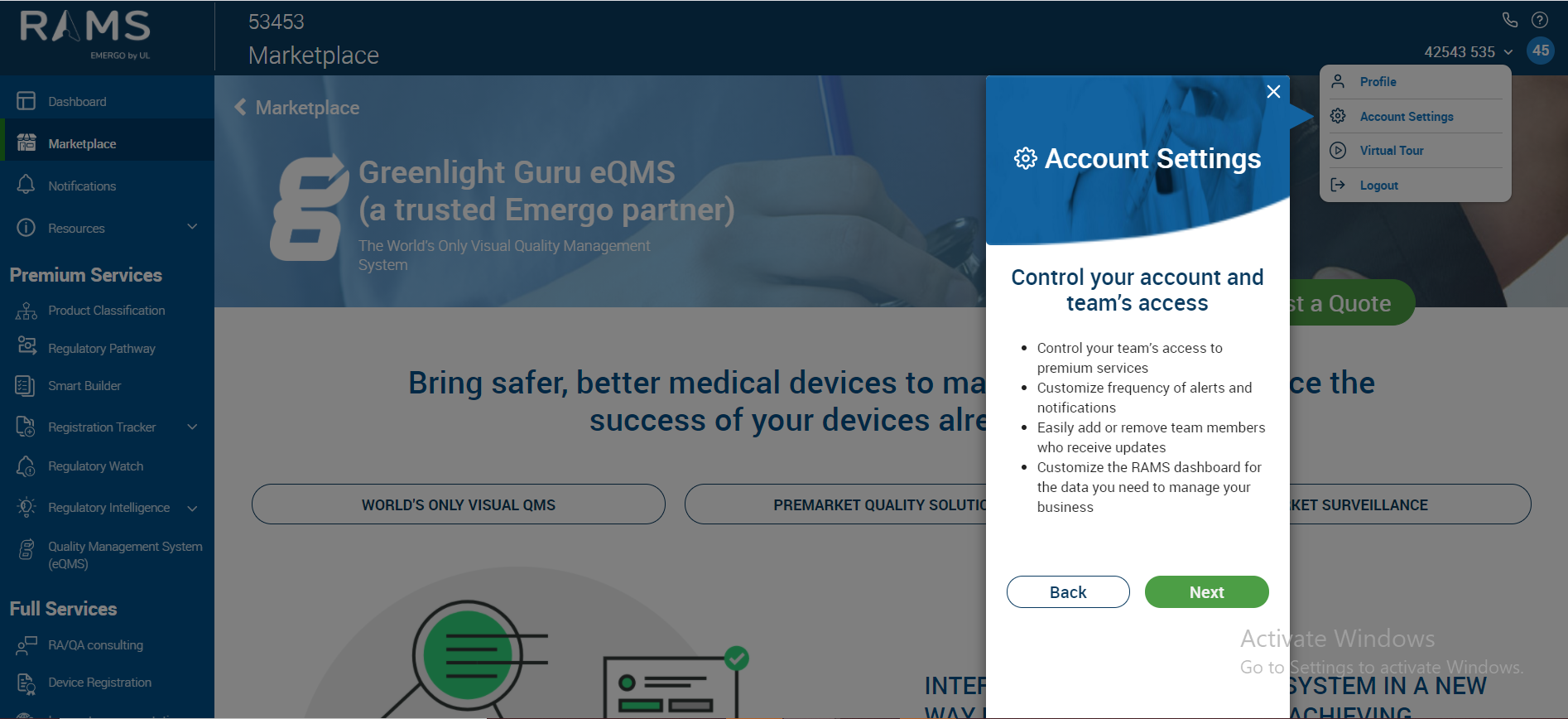
With the click of “Next” Button again a pop-up informing of the Tour Completion is seen
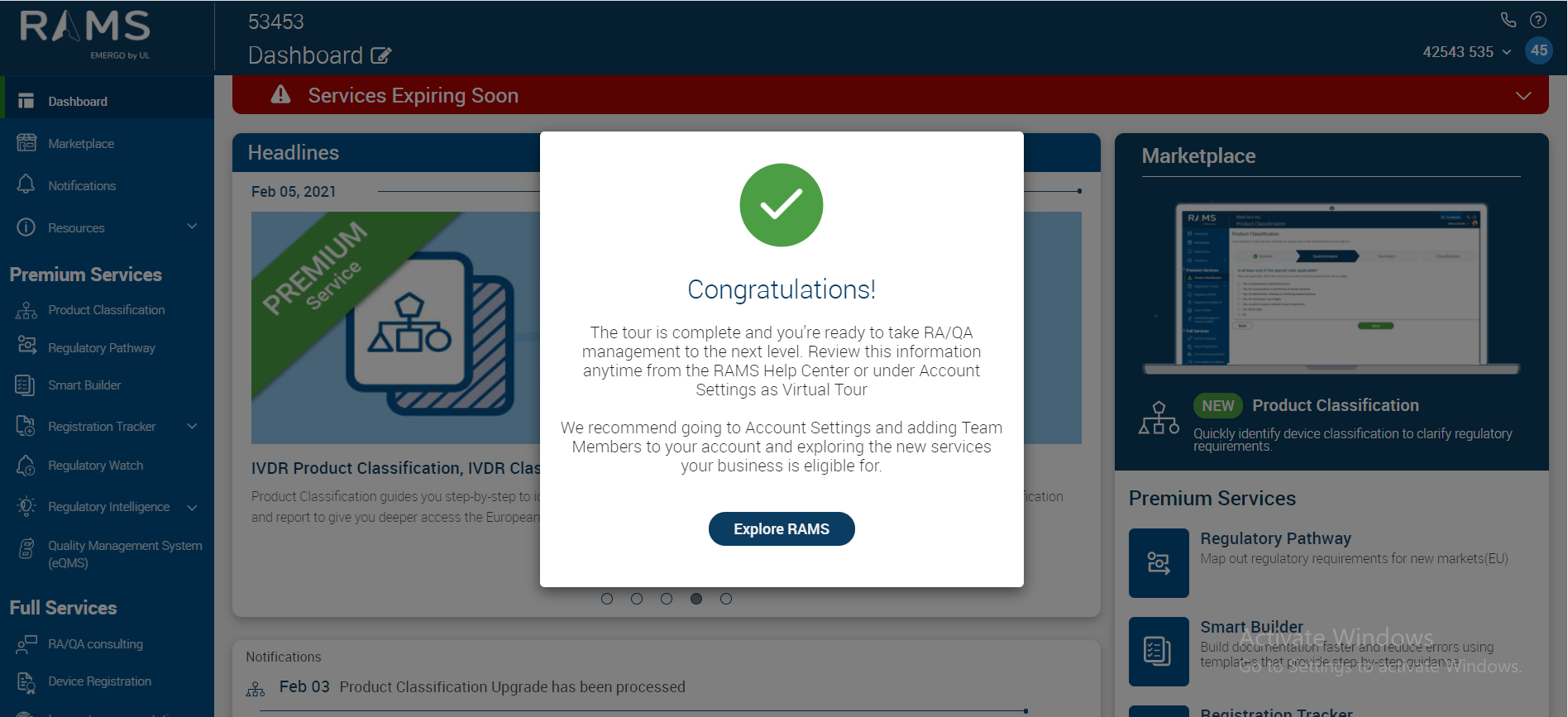
On click of “Explore RAMS” the pop-up screen disappears and the dashboard can be seen.