
Summary Reports
To View Summary Reports:
Click on Registration Tracker
Click Reports
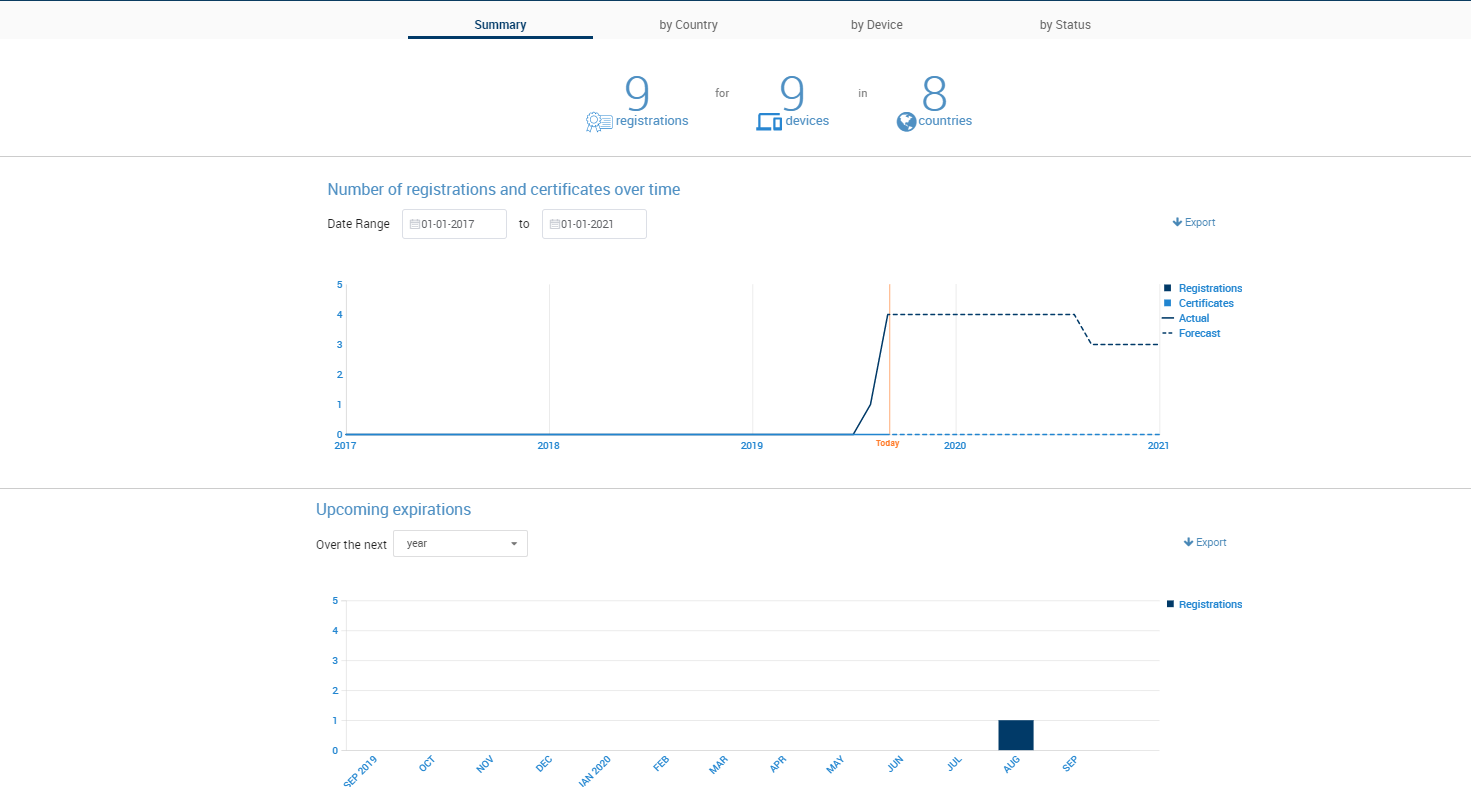
The Summary Reports page includes three graphs:
The registration summary, which lists the total number of registrations, products, and associated countries in your account.
The registration and certificate records forecast, which presents an estimate of the number of active registrations and certificates that you will have in the future, based on the expiration dates set for your registrations and certificates.
The Upcoming Expiration's graph, which indicates how many registrations will be expiring in a certain time-frame.
You can adjust the time-frames of the registration/certificate forecast and upcoming expiration reports by clicking on the date fields and drop-downs located above the graph.
Figure: Summary Reports